
I've just shipped a quality of life improvement for adding a new feed in Feedgrab.
Previously, subscribing to a new feed meant knowing the exact URL – either the feed URL itself or the website URL. You'd paste it in, hit Subscribe, and Feedgrab would do the rest. That worked fine if you had the URL to hand, but it wasn't great for discovery.
Introducing search as you type
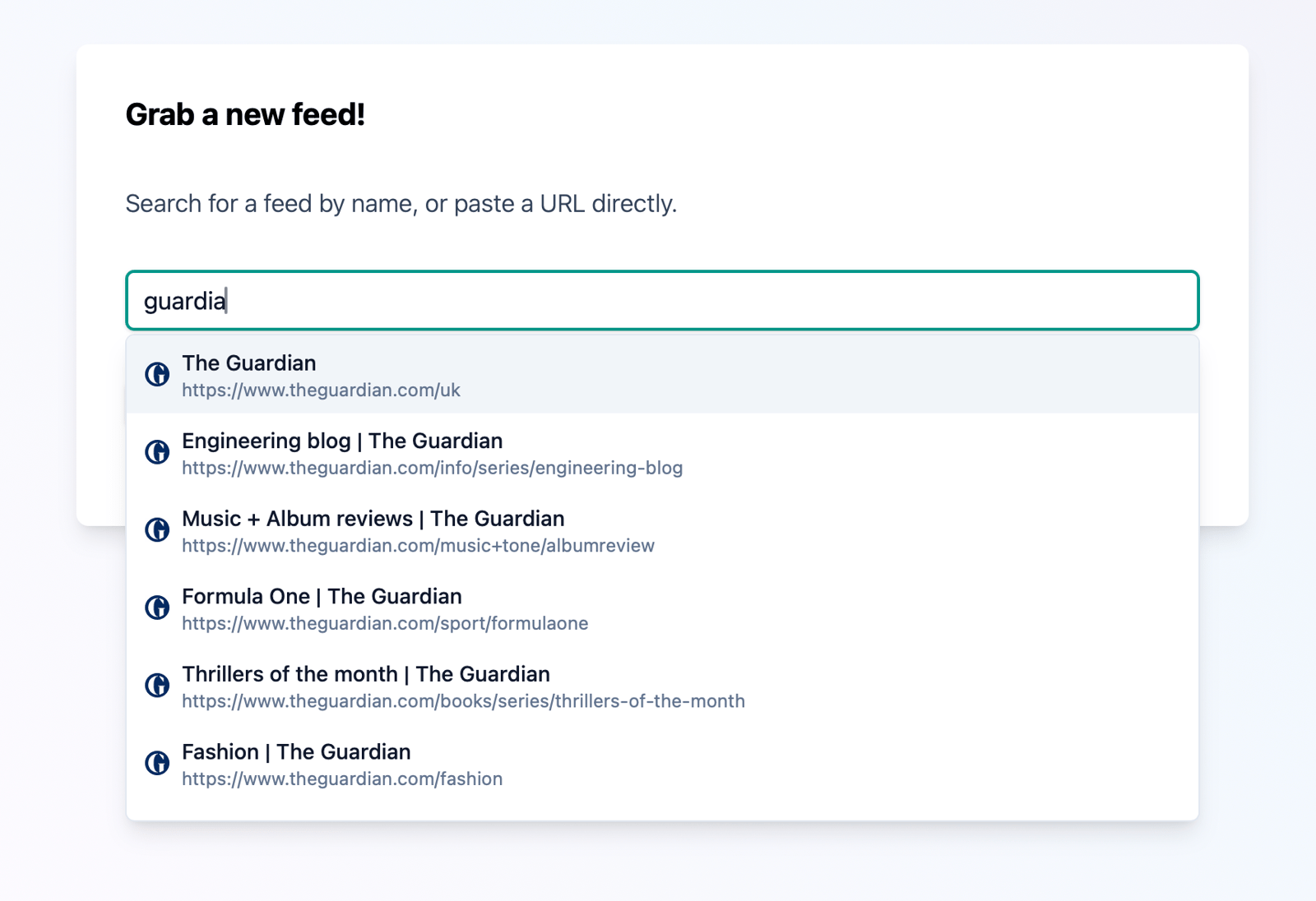
Now, the "add feed" input doubles as a search box. Start typing a name – "pagecord", "github", "photography" – and Feedgrab will search across all the feeds in its database, matching against titles, descriptions, and URLs. Results appear in a dropdown as you type.
If you already subscribe to a feed, it'll say so. If you don't, click the result to fill in the URL, then hit Subscribe.
If you have an exact URL the input works exactly as before. Paste a URL and the search step is skipped entirely.
Keyboard friendly
The dropdown supports keyboard navigation. Arrow keys to move through results, Enter to select, Escape to clear and start over.
Built on what's already there
This feature searches the existing Feedgrab database – the one you can explore in the Discover section – which is build up from select feeds that other Feedgrab users subscribe to. The more people use Feedgrab, the better the search gets!
There's no external search API (💸💸💸), just the Feedgrab community's collective taste in feeds :)
To try it out, head to the add feed page and start typing. Hopefully you'll find it a useful way to discover what's already out there.