
Feedgrab now supports YouTube's flavour of RSS, so you can subscribe to your favourite broadcasters directly in Feedgrab! A much calmer way to get your content.
⊹╰(⌣ʟ⌣)╯⊹
Let's have a look at how this works. One of my favourite YouTube channels is from photographer Allan Schaller. Here's his channel page:
Let's have a look at how this works. One of my favourite YouTube channels is from photographer Allan Schaller. Here's his channel page:
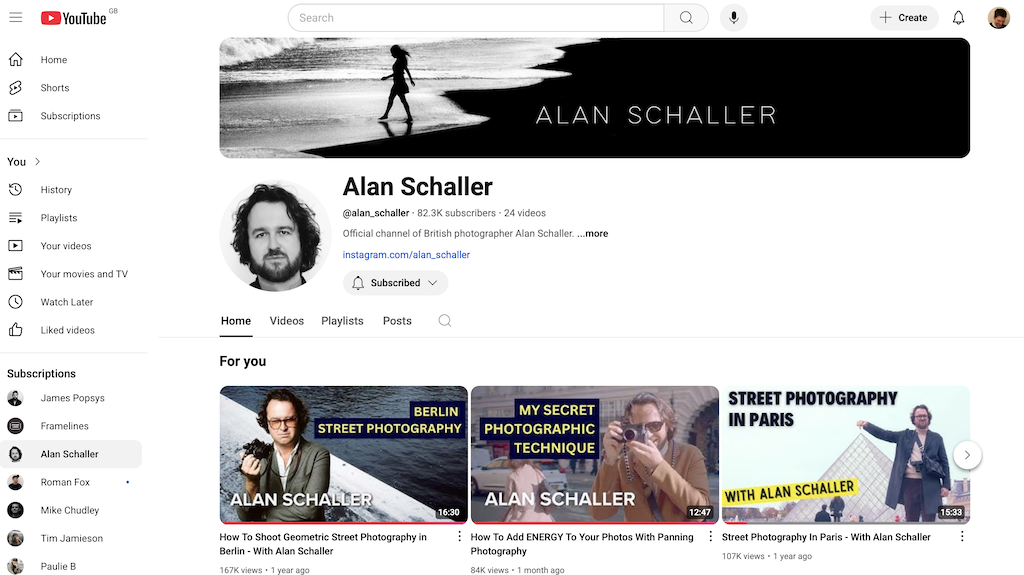
If you're using the Feedgrab Chrome or Firefox extension, you should see the badge to indicate it has found a feed – just click the icon to grab the feed! (Note: there's currently an issue preventing the Feedgrab overlay from working on YouTube, so you might not see the success message – just log into Feedgrab to check that it worked).
If you're using the Feedgrab UI, head to the new feed page and paste the channel URL:
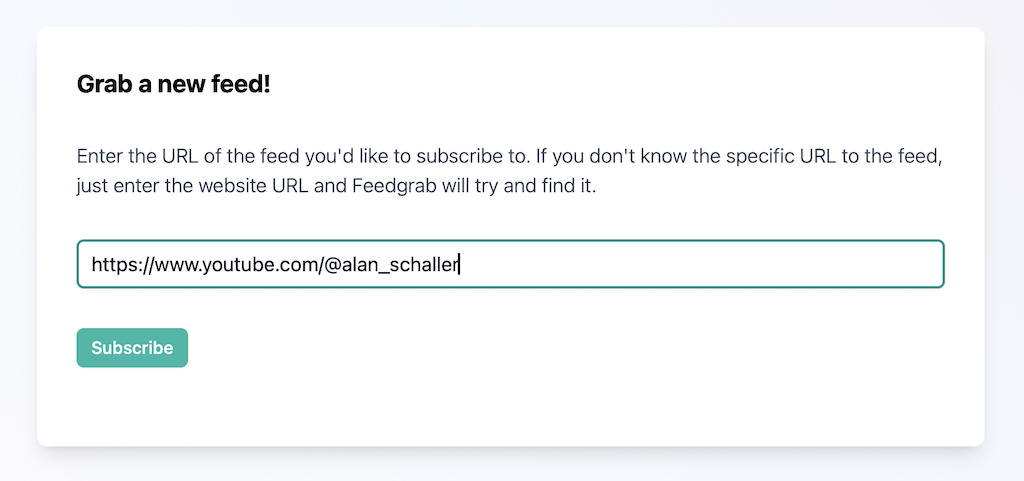
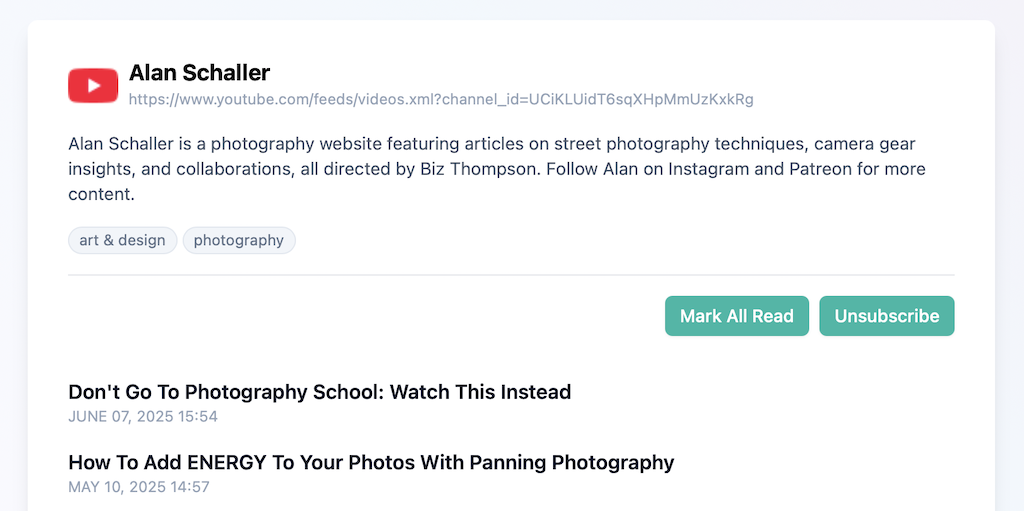
The channel URL should be in the form https://www.youtube.com/@channel_name. Click subscribe and a second or two later you should see a success message with a link to view the feed. Click that and you should see the latest videos:
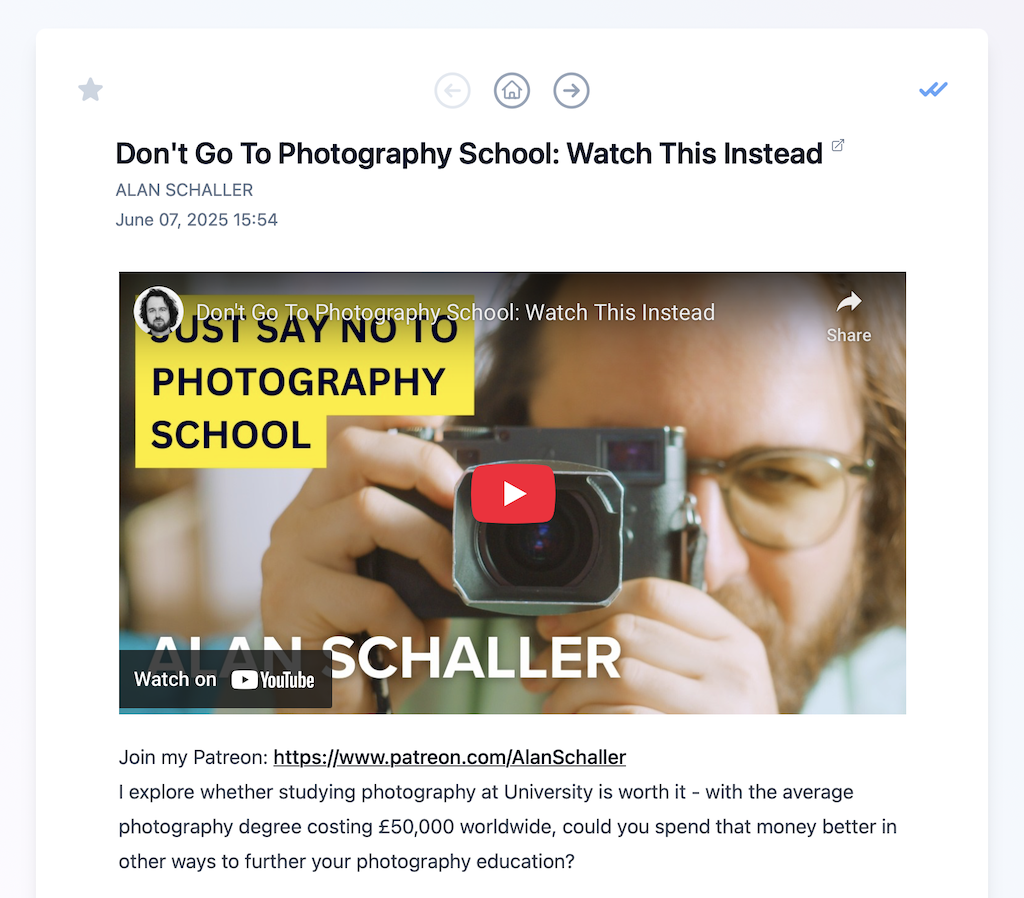
When you click through to view a video, you should see the YouTube video embedded directly in Feedgrab. Click to watch, or click the title to view it on YouTube.com.
This feature required quite a few changes so there may be the odd teething problem. If so, get in touch and I'll try and fix things up.